To protect your pool IoT devices and home network, start by changing default passwords to strong, unique ones and secure device settings to prevent unauthorized access. Set up a separate Wi-Fi network for your pool equipment and enable WPA3 encryption to boost security. Keep your device firmware and software up-to-date, disable unnecessary features, and regularly monitor for suspicious activity. Continuing with these steps will help you better secure your smart pool system against cyber threats.
Key Takeaways
- Change default passwords and use strong, unique credentials for each pool IoT device.
- Segment your home Wi-Fi to isolate pool devices from the main network.
- Regularly update firmware and enable automatic updates to patch security vulnerabilities.
- Disable remote access and unnecessary features to reduce potential attack vectors.
- Monitor device activity and network logs for suspicious behavior or unauthorized access.

TP-Link AX1800 WiFi 6 Router (Archer AX21) – Dual Band Wireless Internet, Gigabit, Easy Mesh, Works with Alexa – A Certified for Humans Device, Free Expert Support
DUAL-BAND WIFI 6 ROUTER: Wi-Fi 6(802.11ax) technology achieves faster speeds, greater capacity and reduced network congestion compared to…
As an affiliate, we earn on qualifying purchases.
As an affiliate, we earn on qualifying purchases.
Why Protect Your Smart Pool Iot Devices From Cyber Threats
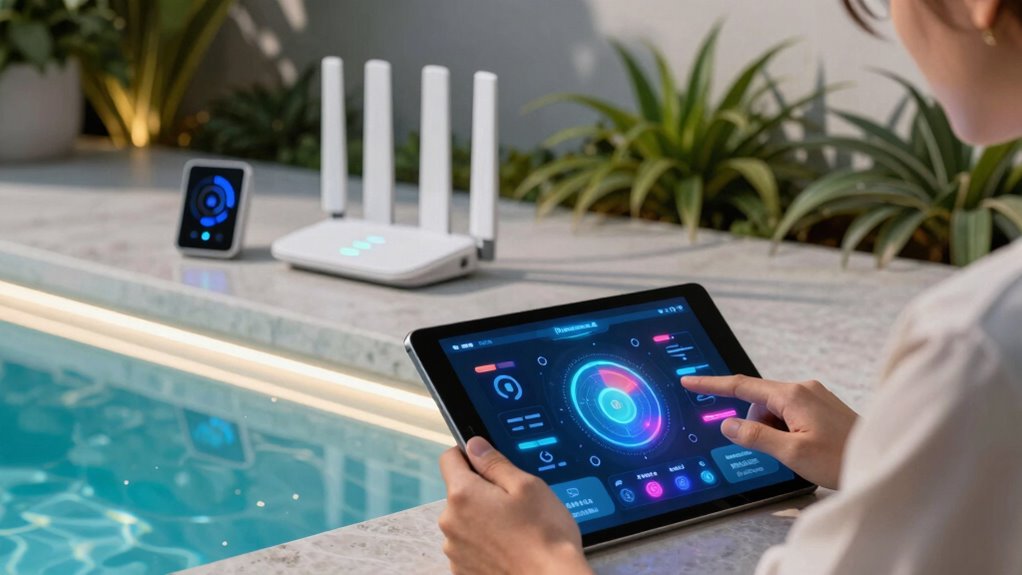
Although smart pool IoT devices make managing your pool easier, they also open up new security risks. These devices can create network vulnerabilities that hackers might exploit to gain unauthorized access to your home network. These vulnerabilities can be particularly dangerous if the devices lack proper security protocols, making device security essential. Once inside, they could manipulate your pool settings or even access other connected devices. Additionally, privacy concerns arise because personal data—like usage patterns or camera feeds—may be transmitted or stored insecurely. Without proper protection, your private information could be intercepted or misused. Implementing network security measures is crucial to prevent unauthorized access and safeguard your data. Employing encryption protocols can further enhance your defenses by protecting data as it travels across your network. Protecting your smart pool devices isn’t just about keeping your pool running smoothly; it’s about safeguarding your entire home network. By addressing these risks, you prevent potential cyber threats that could compromise your privacy or disrupt your connected lifestyle. Understanding cybersecurity best practices is essential for maintaining the security of all your connected devices.

Ring Alarm 14-Piece Kit (newest model), Wireless smart home or business security system, expandable, easy setup, Mobile App Control, 24/7 Professional Monitoring, Alexa Compatible
A great fit for 2-4 bedroom homes, this Alarm Kit includes one Base Station, two Keypads, eight Contact…
As an affiliate, we earn on qualifying purchases.
As an affiliate, we earn on qualifying purchases.
Change Default Passwords on Your Pool Devices to Secure Them
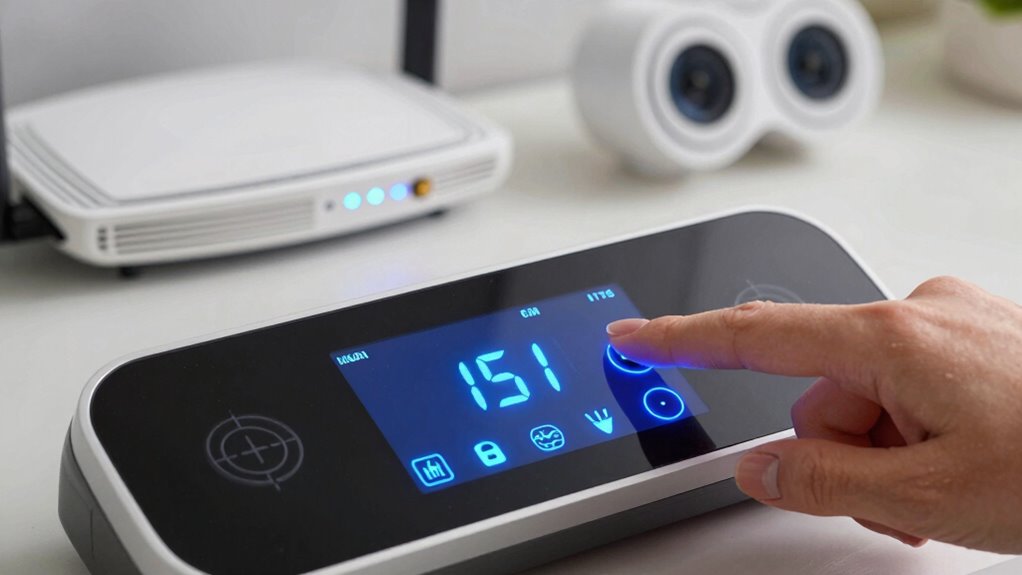
Start by locating the default credentials on your pool devices, as they’re often easy for hackers to find. Then, access the device settings to change these passwords, making sure to set unique and strong ones. Taking these simple steps can substantially improve your pool’s cybersecurity. Additionally, consider implementing security best practices for added security and control over your device access. Ensuring your network uses proper network segmentation can further prevent unauthorized access to sensitive devices, and incorporating Indonesian decor masks can enhance your home’s aesthetic appeal while maintaining a secure environment.
Locate Default Credentials
Did you know that many pool IoT devices come with default passwords that are easy for hackers to guess? These default credentials are often published online or remain unchanged by users, making it simple for intruders to gain unauthorized device access. The first step in securing your pool network is locating where these default credentials are stored. Check the device’s manual, manufacturer’s website, or the device itself for labels or prompts that display default login details. Once found, note these credentials and plan to change them immediately. Identifying default passwords is vital because they’re the weak link that hackers target to access your pool system and compromise your home network. Taking this step considerably reduces your risk of intrusion. Additionally, understanding common dog breeds can help you select a pet that matches your household’s activity level and security needs.
Access Device Settings
Once you’ve identified the default credentials on your pool IoT devices, the next step is to access their settings to update these passwords. Log into each device’s configuration page through a web browser or dedicated app. Navigate to the security or device settings section, where you can change the password. Adjust user permissions if available, limiting access to trusted users only. Proper device configuration guarantees that unauthorized individuals can’t control or access sensitive data from your pool system. Avoid leaving default credentials unchanged, as they’re widely known and easy targets for cyber threats. Updating passwords and setting appropriate user permissions strengthen your device security, reducing the risk of breaches that could compromise your network or pool equipment. Additionally, understanding device security helps you make informed choices to protect your smart home devices from unauthorized access.
Set Unique Passwords
Changing the default passwords on your pool IoT devices is a critical step to protect your system from unauthorized access. Default passwords are widely known, making your devices vulnerable without proper password management. Set unique, strong passwords for each device to strengthen device authentication and prevent intruders from gaining control. Avoid reusing passwords across multiple devices, and consider using a password manager to securely store and generate complex passwords. Regularly updating passwords adds an extra layer of security, especially if you suspect a breach. Additionally, understanding cybersecurity best practices can help you implement comprehensive protection measures beyond just password management. Incorporating device security protocols into your routine further enhances your defenses against cyber threats. Staying informed about emerging cyber threats enables you to adapt your security strategies proactively. Implementing multi-factor authentication provides an additional safeguard against unauthorized access. By customizing passwords, you reduce the risk of unauthorized access, keeping your pool system safer and more secure. Remember, strong password management is a simple yet effective way to safeguard your home network from potential cybersecurity threats. Engaging in regular security audits can help identify and address vulnerabilities before they are exploited.

GNCC 2K Security Cameras 4pcs, Home Security Camera Indoor with 360° Motion Detection for Pets/Baby/Dog, Two-Way Audio, Night Vision, 24/7 SD Card Storage, Cloud Storage, Compatible with Alexa
【2K & Night Vision】: GNCC Security Camera Indoor comes with 2K FHD quality video and images. You can…
As an affiliate, we earn on qualifying purchases.
As an affiliate, we earn on qualifying purchases.
Set Up a Separate Wi-Fi Network for Your Pool IoT Devices
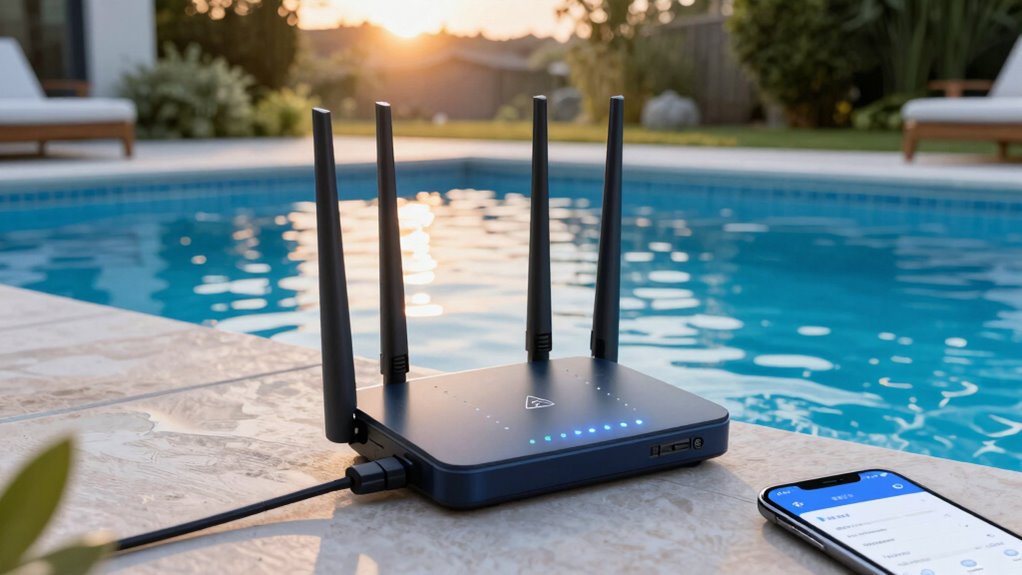
To enhance your pool’s cybersecurity, setting up a separate Wi-Fi network for your IoT devices is a crucial step. This creates a clear boundary, guaranteeing your main network remains safe from potential breaches. By implementing network segmentation, you isolate your pool devices, reducing the risk of hackers accessing sensitive information or other connected devices. Device isolation keeps your pool equipment separate, so even if one device is compromised, your entire network stays protected. Implementing extension cord standards and weatherproofing tools further supports safe and reliable operation of your pool equipment. Additionally, employing secure device configurations can help prevent unauthorized access and enhance overall security. Understanding your battery capacity needs can also ensure your IoT devices operate reliably without interruptions.

Synology RT6600ax – Tri-Band 4×4 160MHz Wi-Fi router, 2.5Gbps Ethernet, VLAN segmentation, Multiple SSIDs, parental controls, Threat Prevention, VPN (US Version)
Expanded 5.9 GHz spectrum support enables additional high-speed 80 and 160 MHz channels
As an affiliate, we earn on qualifying purchases.
As an affiliate, we earn on qualifying purchases.
Keep Your Pool Device Firmware and Software Up to Date
Keeping your pool device firmware and software up to date is essential for cybersecurity. You should regularly install updates, enable automatic updates if available, and verify that downloads come from trusted sources. Doing so helps safeguard your system from vulnerabilities and ensures smooth operation.
Regular Firmware Updates
Regularly updating your pool IoT device firmware guarantees it remains protected against the latest security threats. Manufacturers often release updates to patch vulnerabilities and improve device performance, so staying current is essential. Before updating, check device compatibility to ensure the new firmware works with your specific model. Keep in mind, some updates may introduce issues, so it’s wise to understand how to perform a firmware rollback if needed. This allows you to revert to a previous version if the new firmware causes problems. Regular updates not only enhance security but also optimize functionality and compatibility with other smart home devices. By staying proactive with firmware management, you reduce the risk of cyberattacks targeting your pool system and maintain a safe, reliable home network.
Enable Automatic Updates
Have you considered enabling automatic updates for your pool IoT device? This simple step guarantees your device receives the latest firmware and software patches as soon as they’re available. Automatic updates play a vital role in maintaining device security by fixing vulnerabilities before hackers can exploit them. When you turn on automatic updates, you reduce the risk of outdated software becoming an entry point for cyber threats. It also minimizes the hassle of manual checks, keeping your device’s security current without constant oversight. Making sure your pool device updates automatically is a proactive way to protect your home network and maintain the integrity of your smart pool system. Don’t wait—enable automatic updates today for peace of mind.
Verify Software Authenticity
Enabling automatic updates helps guarantee your pool IoT device stays current, but it’s equally important to verify that the updates you receive are genuine and unaltered. This is where software validation and update verification come into play. Always download updates from official sources or the manufacturer’s website to prevent tampering. Before installing, check digital signatures or certificates to confirm authenticity. Many devices include built-in tools for update verification—use these features to ensure the software hasn’t been compromised. Regularly review update logs and alerts for any discrepancies. By actively verifying software authenticity, you reduce the risk of malware or unauthorized access, keeping your pool device secure and your home network protected. Remember, even automatic updates need a little oversight to remain trustworthy.
Use Strong, Unique Wi-Fi Passwords and Encryption
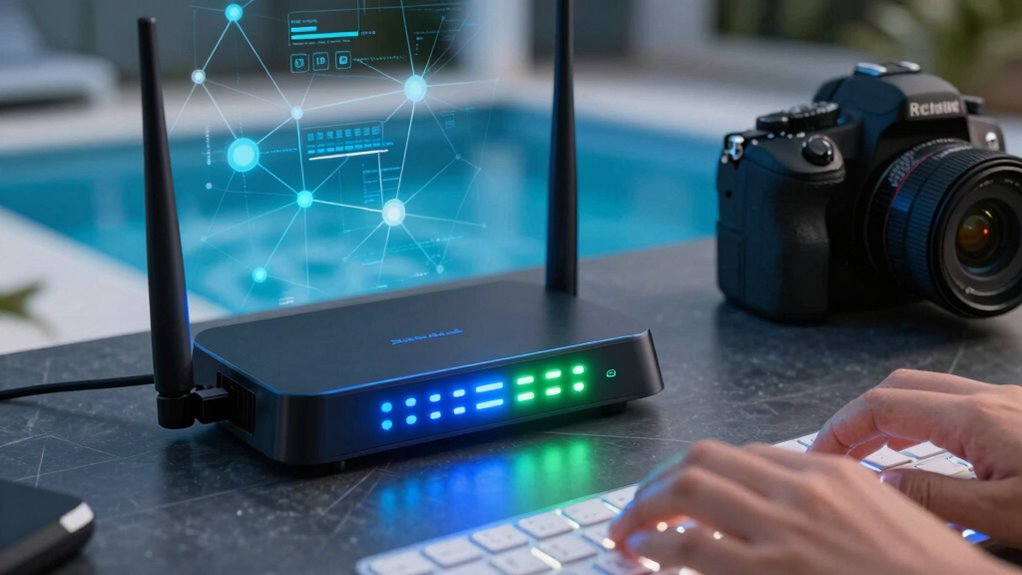
To protect your pool IoT devices from cyber threats, it is vital to use strong, unique Wi-Fi passwords combined with robust encryption. Make certain your password has high password complexity, mixing uppercase, lowercase, numbers, and symbols to prevent guessing. Using WPA3 Wi-Fi encryption offers the best security, making it harder for hackers to intercept your data. Avoid common passwords or reusing passwords from other accounts, which weakens your network’s defenses. Regularly update your Wi-Fi password and encryption settings to stay ahead of potential vulnerabilities.
Use strong, unique Wi-Fi passwords and WPA3 encryption to safeguard your pool IoT devices from cyber threats.
- Choose a password with at least 12 characters and a mix of characters
- Enable WPA3 encryption for maximum security
- Avoid sharing your Wi-Fi password publicly
- Change your Wi-Fi password periodically to enhance protection
Disable Unnecessary Features and Remote Access on Your Pool Devices
Disabling unnecessary features and remote access on your pool devices is a crucial step in reducing potential entry points for cyber attackers. Many pool IoT devices come with features like remote access or cloud connectivity enabled by default, which can be exploited if left active. By performing feature disabling, you limit your device’s functionality to only what’s necessary for daily operation, closing security gaps. Turn off remote access options unless you absolutely need them, and ensure remote features are disabled in the device settings. This simple step minimizes the attack surface, making it harder for hackers to gain control or access sensitive information. Regularly review your device settings to keep unnecessary features turned off and maintain a secure home network.
Monitor Your Pool IoT Devices for Suspicious Activity
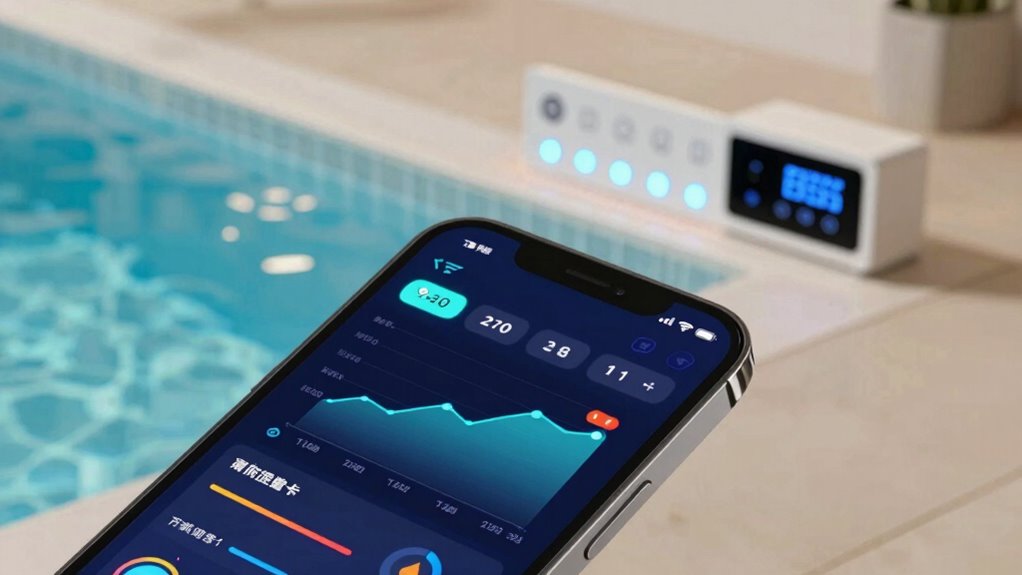
Once you’ve disabled unnecessary features and remote access on your pool devices, the next step is to actively monitor them for any signs of suspicious activity. Regular suspicious activity monitoring helps catch potential threats early and prevents unauthorized access. You can set up alerts for unusual behavior, such as unexpected data transfers or unfamiliar device connections. Keep an eye on device anomaly detection reports, which identify irregular patterns that may indicate compromise. Additionally, review your network logs periodically to spot anomalies or spikes in activity. Using a network security tool or app can simplify this process and provide real-time notifications. Staying vigilant with suspicious activity monitoring ensures your pool IoT remains secure and reduces the risk of cyber threats.
Frequently Asked Questions
How Can I Identify if My Pool Iot Device Has Been Hacked?
You can tell if your pool IoT device has been hacked by checking for unusual activity, like unexpected device behavior or connection issues. Use device authentication to verify it’s legitimate, and monitor your network for strange traffic or unknown devices. Regularly review your network logs and alerts to catch any suspicious activity early, ensuring your pool system remains secure and protected from cyber threats.
Are There Specific Cybersecurity Tools Recommended for Pool Iot Devices?
Think of your pool IoT device as a guarded fortress; you need the right security tools to defend it. Use advanced encryption standards to keep data safe and configure firewalls to block unauthorized access. Specific cybersecurity tools like network monitoring software, intrusion detection systems, and VPNs act as vigilant sentinels. They guarantee your device stays protected from hackers, maintaining your pool’s serenity and your home’s security.
What Should I Do if I Suspect a Cyber Breach in My Pool Network?
If you suspect a cyber breach in your pool network, act quickly by performing network monitoring to identify unusual activity. Change your device authentication credentials immediately to prevent unauthorized access. Disconnect compromised devices from your network and run security scans. Notify your provider if needed, and update your security settings regularly. Staying vigilant helps protect your home and keeps your pool IoT devices secure from potential threats.
Can I Remotely Manage My Pool Devices Securely?
Yes, you can securely manage your pool devices remotely. Make sure your devices use device encryption to protect your data during remote access. Regularly update firmware to patch security vulnerabilities and improve functionality. Use strong, unique passwords and enable two-factor authentication when available. Avoid public Wi-Fi networks and consider setting up a virtual private network (VPN) for an added layer of security. These steps keep your pool devices safe from cyber threats.
How Often Should I Review My Pool Iot Security Settings?
You should review your pool IoT security settings at least once a month. Regularly check for software updates to patch vulnerabilities and strengthen security. Also, make sure your passwords are strong and change them periodically. Keeping an eye on your device settings helps prevent unauthorized access and keeps your home network safe. Consistent reviews ensure your pool IoT remains secure and functioning properly, giving you peace of mind.
Conclusion
By following these simple steps, you create a fortress around your smart pool, keeping cyber threats at bay. Think of your network as a garden—regularly tending to it with updates, strong passwords, and careful monitoring guarantees it stays healthy and secure. Don’t let cybercriminals turn your relaxing oasis into a vulnerable target. Stay vigilant and proactive—protecting your home network is the best way to enjoy peace of mind while lounging by your smart pool.