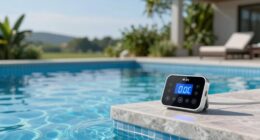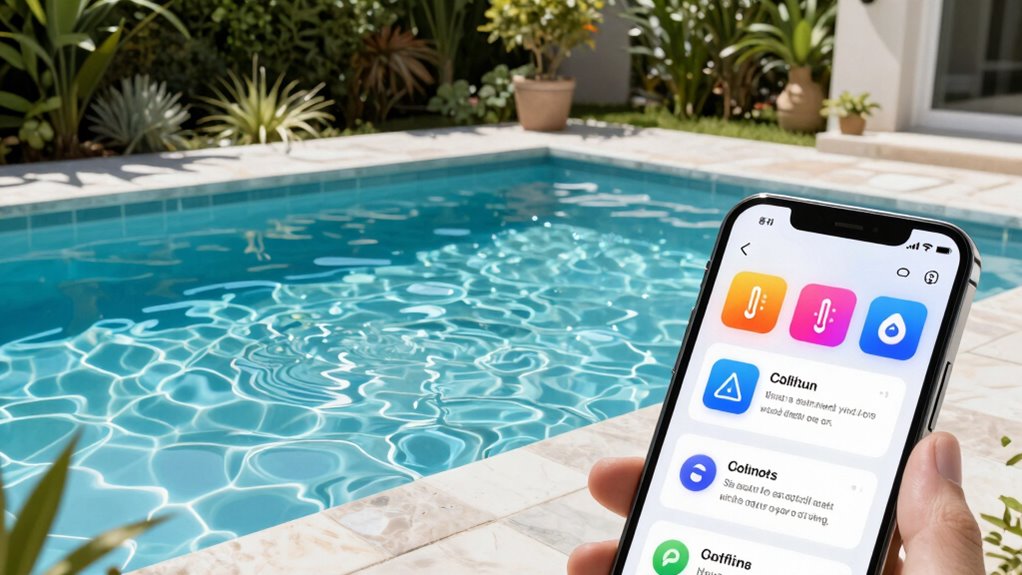
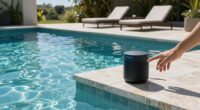
When setting up remote pool monitoring, focus on critical alerts like pH imbalances, sanitizer levels, temperature issues, and water level problems. Filter out routine or minor notifications that don’t impact safety or water quality, such as system checks or minor weather-related fluctuations. Customize your alerts to match your pool’s needs and avoid overwhelm. To keep things smooth and effective, verify your settings are regularly reviewed—continue exploring to optimize your system further.
Key Takeaways
- Prioritize critical alerts for pH, chlorine, temperature, and water levels to ensure safety and water quality.
- Customize notification thresholds to reduce false alarms from minor fluctuations or routine system checks.
- Filter out non-essential alerts like algae or equipment checks to prevent notification overload.
- Adjust alert settings for frequency and severity to focus on urgent issues and minimize spam.
- Regularly review and calibrate sensors and alert parameters to maintain accurate, relevant monitoring notifications.
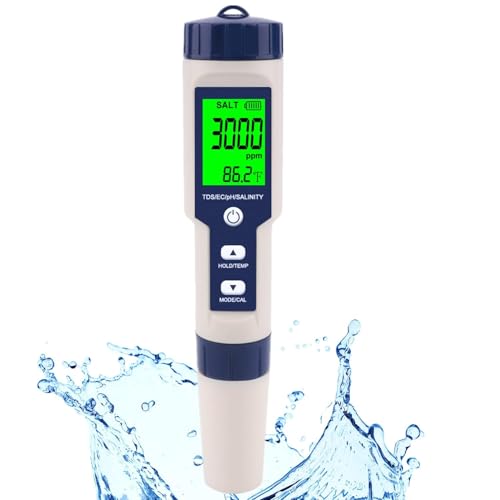
Pool Salt Tester & PH Meter, Hofun Digital Salinity Meter and PH Tester for Aquarium and Pool Saltwater Water, 5 in 1 Salinity PH Temp EC and TDS Meter, Aquarium Swimming Pool Hot Tub, High Accuracy
Wide Usage PH Meter : Hofun ph meter is an essential tool to improve your life quality. This…
As an affiliate, we earn on qualifying purchases.
As an affiliate, we earn on qualifying purchases.
Which Pool Alerts Do You Really Need to Watch?
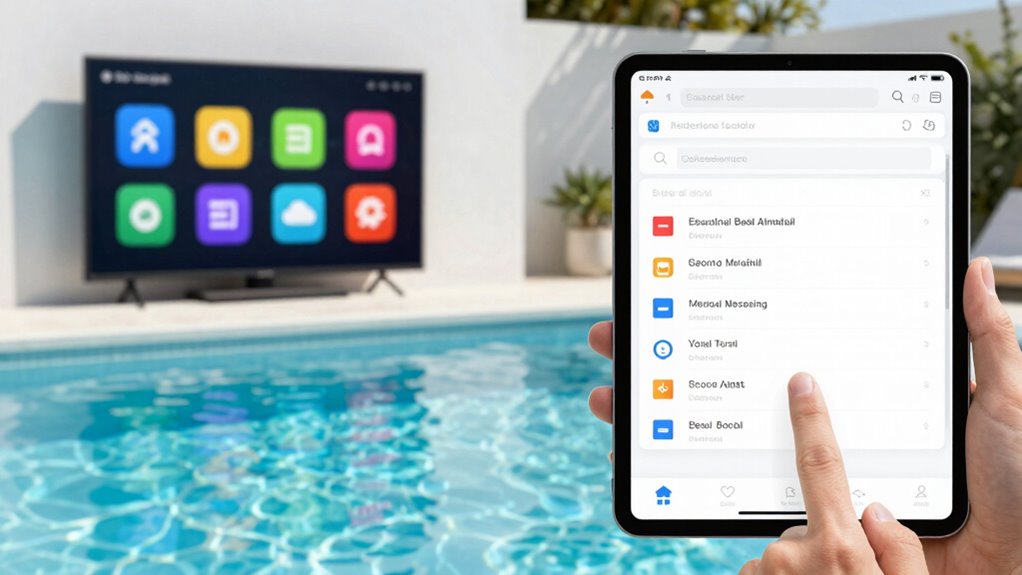
When it comes to pool monitoring, not all alerts matter equally. You should focus on notifications that directly impact your pool’s safety, water chemistry, and overall maintenance. Critical alerts include issues with pH levels, chlorine or sanitizer levels, and temperature fluctuations, as these affect water chemistry and can lead to problems like algae growth or equipment damage. Low or high water levels also require prompt attention to prevent damage or safety hazards. On the other hand, routine alerts about filter cycles or equipment status can often be managed during regular pool maintenance. Prioritizing alerts related to water chemistry helps you maintain a healthy, safe swimming environment while avoiding unnecessary distractions from less urgent notifications. Recognizing the limitations of your monitoring system can help you respond more effectively and avoid false alarms. It’s also helpful to understand the capabilities of your sensors so you can interpret alerts accurately and prevent overreaction to minor issues. For detailed information on store policies and hours for pool supplies, refer to retailer store hours and return policies. Additionally, understanding the filtration systems involved can help you better interpret and respond to alerts effectively, especially considering the monitoring system’s capabilities and limitations.
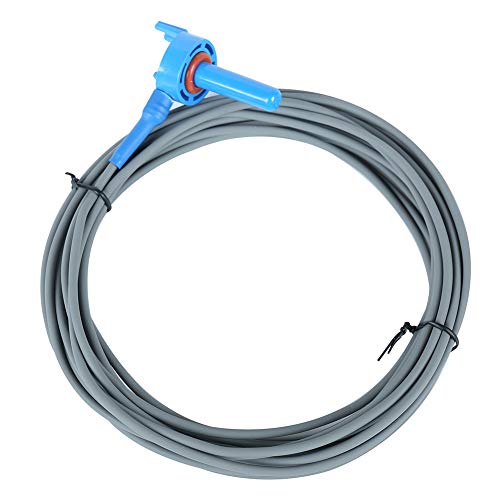
AR-PRO 520272 Air/Water/Solar Temperature Sensor with 20-Feet Cable Replacement Pool/Spa – (1-Pack)
AR-PRO offers the perfect replacement of 520272 air/water/solar temperature sensor with 20-feet cable for less cost from the…
As an affiliate, we earn on qualifying purchases.
As an affiliate, we earn on qualifying purchases.
How Can You Identify Spam and Irrelevant Pool Notifications?
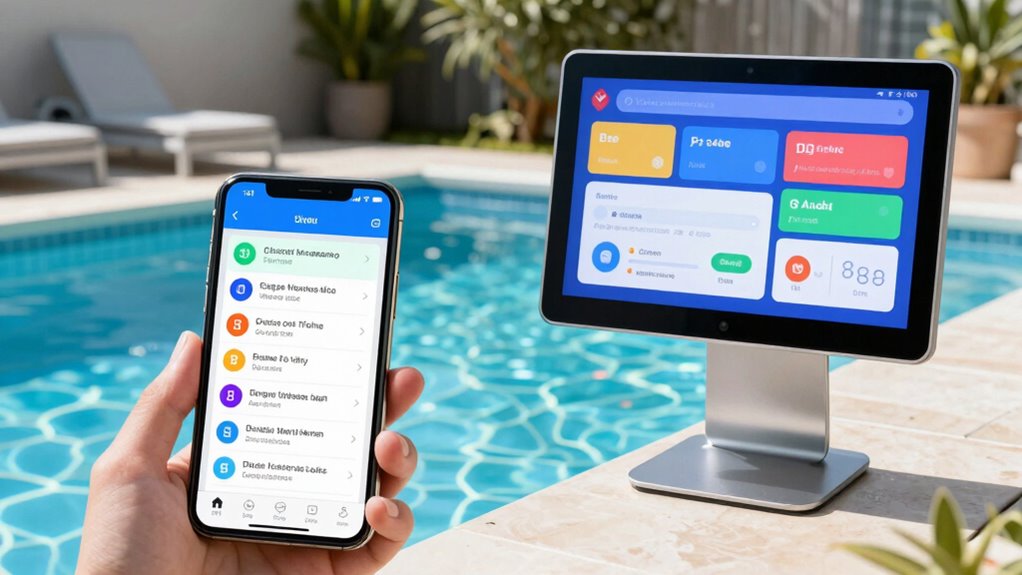
To keep your pool monitoring effective, you need to quickly identify and filter out spam and irrelevant notifications that can clutter your alert system. Many false alarms occur when systems send alerts about minor issues like slight water temperature fluctuations or false signals about pool algae that aren’t present. If you receive frequent alerts about water temperature spikes during mild weather or notices about algae when your pool is clean, these are likely spam or irrelevant. Focus on alerts that indicate actual problems, such as persistent algae growth or unsafe water temperatures. By customizing your alert settings and ignoring notifications outside your typical pool conditions, you prevent spam from overwhelming you and ensure you respond only to meaningful issues.

Risinglink Smart Water Level Monitor, WiFi-Enabled, Text/Email Alerts, Indoor/Outdoor Detector, Battery Powered, Stainless Steel Float Sensor
Easy Setup: Engineered in the USA for reliability and supported by a dedicated US-based team. No hubs, apps,…
As an affiliate, we earn on qualifying purchases.
As an affiliate, we earn on qualifying purchases.
How to Set Up Your Pool Monitoring System to Receive Only Important Alerts
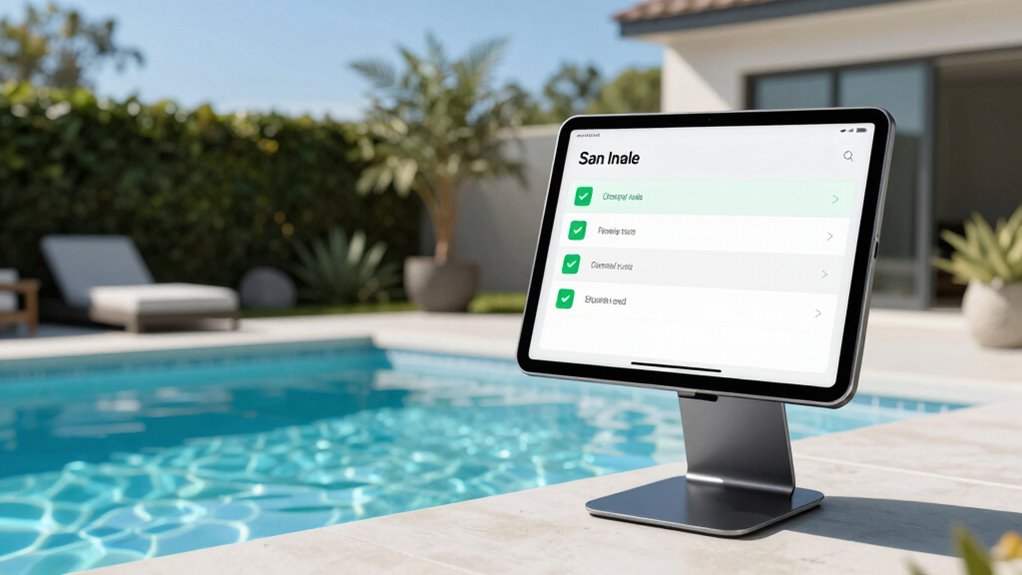
Setting up your pool monitoring system to receive only important alerts starts with customizing its notification settings. Begin by selecting which parameters matter most to your pool maintenance routine, focusing on water chemistry and safety concerns. Disable notifications for routine checks that don’t need immediate attention, such as stable pH levels or consistent temperature readings. Prioritize alerts that signal issues, like low chlorine levels or abnormal water chemistry, which can impact swimmer safety and pool longevity. Many systems allow you to set thresholds, so you only get notified when parameters go outside safe ranges. This way, you avoid spam while ensuring you’re promptly alerted to critical pool maintenance issues. Clear, targeted notifications help you stay on top of your pool’s health without being overwhelmed. Incorporating modern wall art trends, such as interactive murals, can also enhance your pool area ambiance, making maintenance checks more enjoyable. Additionally, understanding pool safety standards ensures that your alert settings align with recommended best practices for safe swimming environments. Proper monitoring system calibration can further improve the accuracy of your alerts, ensuring you receive timely notifications for genuine issues. Regularly reviewing your alert settings and system updates will keep your monitoring efficient and reliable. To further refine your alerts, consider implementing smart home integration, which allows for more personalized and context-aware notifications.

iopool Smart Water Monitor – Works for Chlorine & Bromine Pools, Hot Tubs, & Swim Spas – Gives Precise Dosage recommendations.
✅ Compatible with Chlorine, Bromine and Active Oxygen
As an affiliate, we earn on qualifying purchases.
As an affiliate, we earn on qualifying purchases.
What Pool Parameters Should You Keep an Eye On?
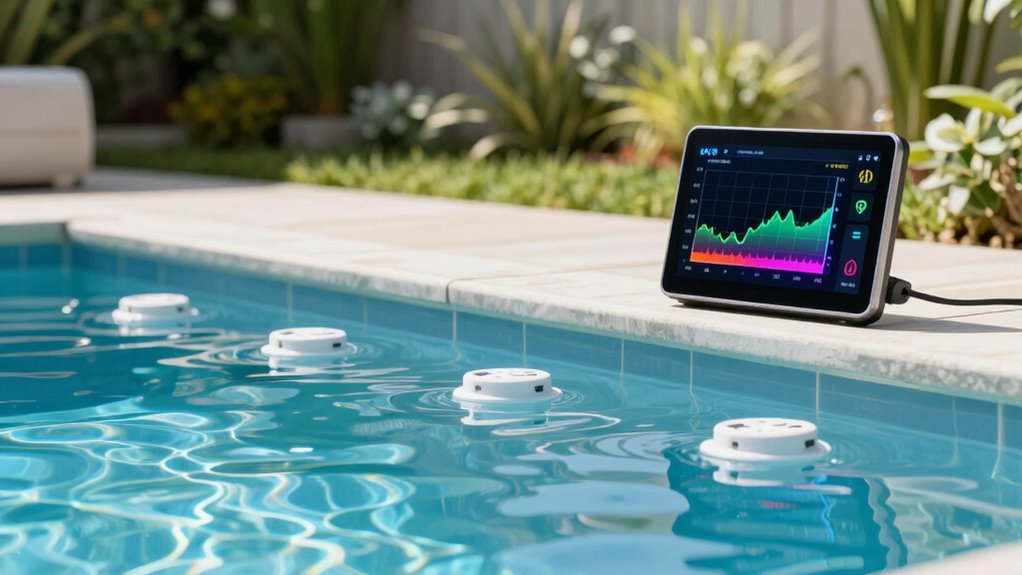
Focusing on the right pool parameters guarantees your monitoring system provides meaningful alerts and helps maintain water quality. Key parameters include chemical balance, such as pH and chlorine levels, which directly impact water safety and clarity. Monitoring pH ensures the water isn’t too acidic or alkaline, preventing equipment damage and skin irritation. Water temperature is equally important, affecting swimmer comfort and the effectiveness of sanitizers. Keeping an eye on these parameters helps you catch issues early before they escalate into costly repairs or health hazards. Regularly checking chemical balance and temperature with your remote system ensures ideal water conditions, reduces the need for manual testing, and minimizes false alarms. Staying proactive with these parameters keeps your pool safe, clean, and enjoyable. Advanced monitoring technology can further enhance your ability to detect subtle changes and automate responses.
Common Mistakes That Cause Excessive or Unwanted Pool Alerts
Many common mistakes can cause your pool monitoring system to generate excessive or unwanted alerts, leading to unnecessary worry and wasted time. For example, leaving the pool cover partially open may trigger alerts about water evaporation or temperature fluctuations, even when everything’s fine. Similarly, neglecting to maintain proper chemical balance often results in false alarms about pH or chlorine levels, making you think there’s a problem when there isn’t. Overly sensitive settings can also cause frequent alerts, especially if your system isn’t calibrated correctly. To avoid this, verify your pool cover is properly positioned and maintain consistent chemical levels. Being aware of ethical considerations in monitoring technology can also help you make informed decisions about data privacy and alert management. Doing so helps reduce unnecessary notifications, allowing you to focus only on genuine issues that need your attention.
How to Customize Your Pool Alerts to Fit Your Pool and Lifestyle
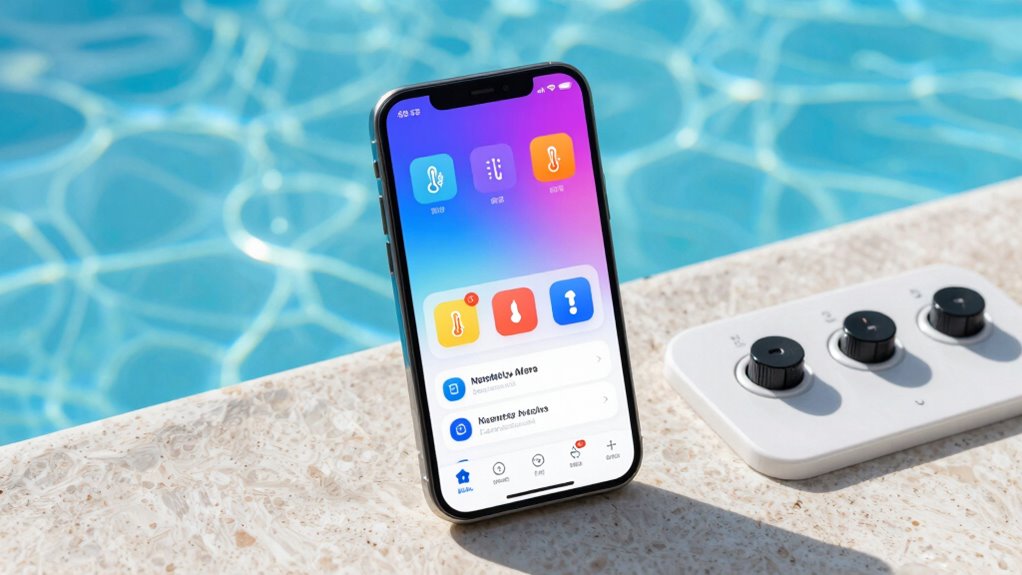
You can make your pool alerts work best for you by adjusting the types of notifications you receive. Set your preferences to get only the messages that matter most, and filter out the ones you don’t need. Customizing these settings helps you stay informed without feeling overwhelmed. Incorporating safety tips from essential DIY tools ensures your monitoring system remains reliable and secure. Additionally, understanding noise reduction techniques can help create a quieter environment around your pool area, enhancing your overall experience. Considering capacity and watt-hours of your monitoring devices can also ensure they operate effectively without interruptions. Considering security devices like smart locks and office gear can also enhance the safety of your pool and surrounding space.
Adjust Alert Types
Adjusting alert types allows you to tailor notifications so they align with your specific pool setup and lifestyle. You can choose which events trigger alerts, ensuring you receive only relevant updates. For example, you might want to be notified if the pool chemical levels are off, so you can maintain proper sanitation. Or, if you have pool lighting that changes color or flickers unexpectedly, alerts can keep you informed. Customization can include:
- Alerts for chemical imbalance or low sanitizer levels
- Notifications when pool lighting requires attention or maintenance
- Reminders for routine tasks like filter cleaning or chemical adjustments
Understanding your pool’s features can help you select the most useful alert types for your situation. Being aware of your pool’s automation capabilities allows for more precise and helpful notifications, streamlining maintenance and ensuring safety. Additionally, knowing how your system manages sensor data can improve your ability to customize alerts effectively.
Set Notification Preferences
Wondering how to make your pool alerts truly work for you? Setting your notification preferences allows you to customize alerts based on your pool maintenance routine and water chemistry priorities. You can choose to receive updates about chemical levels, temperature, or equipment issues, so you’re only notified about what’s important. To help you decide, consider this table:
| Alert Type | Frequency | Priority |
|---|---|---|
| Water chemistry alerts | Daily or weekly | High if imbalanced |
| Equipment status | Real-time | Immediate if failure |
| Temperature alerts | Daily or on change | Optional |
Adjusting these settings guarantees you avoid spam, stay informed, and keep your pool in perfect condition with minimal hassle.
Filter Unwanted Messages
To prevent alert overload, it’s essential to filter out unnecessary messages so you only receive the notifications that matter most. You can customize your pool alerts to focus on critical issues like water chemistry imbalances or equipment failures, reducing spam and guaranteeing timely responses. Adjust your settings to suppress routine updates during the day or set thresholds for alerts, so you’re only notified when maintenance is urgent. Consider filtering alerts based on:
- Severity levels (e.g., critical vs. informational)
- Specific water chemistry parameters requiring immediate attention
- Equipment malfunctions or filter alerts
This approach helps you prioritize pool maintenance tasks efficiently, avoid unnecessary interruptions, and maintain ideal water chemistry without drowning in irrelevant messages. Fine-tuning your alerts ensures your pool stays pristine with minimal hassle.
How to Manage and Receive Pool Alert Notifications Effectively
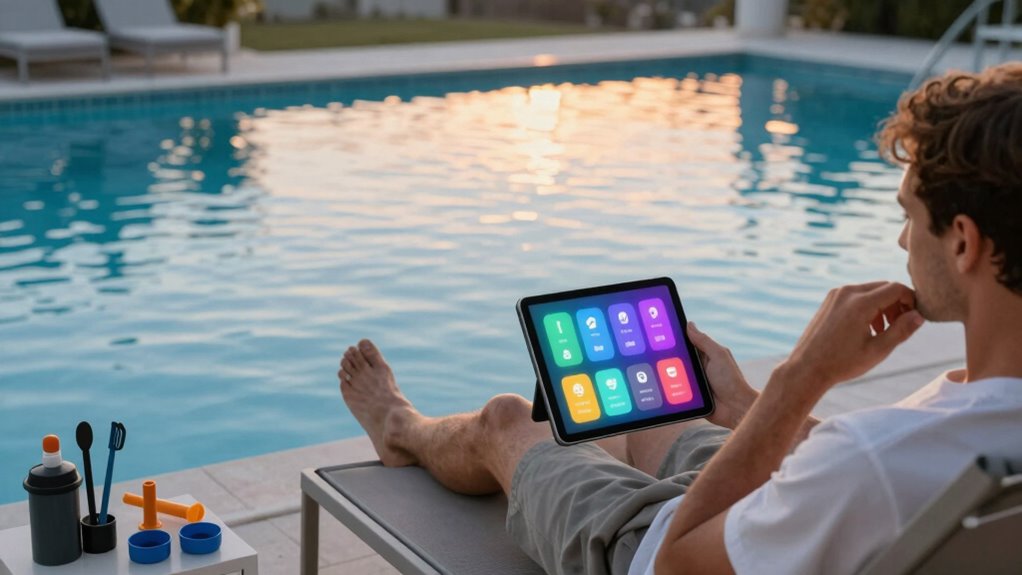
To manage your pool alerts effectively, start by customizing the alert settings to match your needs and lifestyle. Focus on prioritizing critical notifications so you’re immediately aware of urgent issues, and filter out unwanted spam that can cause distractions. This way, you stay informed without feeling overwhelmed or missing important updates.
Customize Alert Settings
Customizing your alert settings guarantees you receive timely notifications without feeling overwhelmed. By fine-tuning alerts, you can focus on maintaining pool aesthetics and routines efficiently. Adjust settings to prioritize critical updates like chemical levels or pump performance, and reduce less urgent messages. Consider these options:
- Set thresholds for water chemistry and equipment issues to avoid unnecessary alerts.
- Choose notification types (push, email, SMS) based on your availability.
- Schedule quiet hours to prevent alerts during personal or leisure time.
This approach helps you stay on top of essential maintenance routines and keeps your pool looking its best, without drowning in spam. Tailoring alerts ensures you’re informed only about what truly matters, making pool management more effective and less stressful.
Prioritize Critical Notifications
By focusing on your alert settings, you can guarantee that the most important notifications stand out. Prioritizing critical alerts ensures you’re immediately notified about issues affecting pool chemistry or equipment maintenance. For example, if chemical levels fall outside safe ranges, you want to know right away to prevent problems like algae growth or skin irritation. Similarly, alerts about equipment malfunctions or leaks help you address maintenance needs before they escalate. Set your system to flag these urgent notifications prominently, so you don’t miss essential updates. This way, you avoid being overwhelmed with minor alerts and can respond quickly to issues that impact your pool’s safety and performance, maintaining a clean, balanced, and properly functioning pool environment.
Filter Unwanted Spam
Managing pool alert notifications effectively requires filtering out unwanted spam so you’re only notified about important issues. To avoid constant interruptions, customize your alerts to focus on critical pool maintenance and water chemistry concerns. Use filtering options provided by your monitoring system to block irrelevant messages. This helps prevent false alarms and ensures you address genuine problems promptly. Consider setting specific thresholds for alerts, such as pH levels or chlorine concentration, to minimize unnecessary notifications. Regularly review your alert settings and update them as needed. Prioritizing essential alerts streamlines your pool care routine and keeps your system running smoothly. Ultimately, filtering spam ensures you stay informed about real issues without distraction, saving time and maintaining a healthy, properly balanced pool.
What to Do When You Get a Pool Alert: Troubleshooting Tips
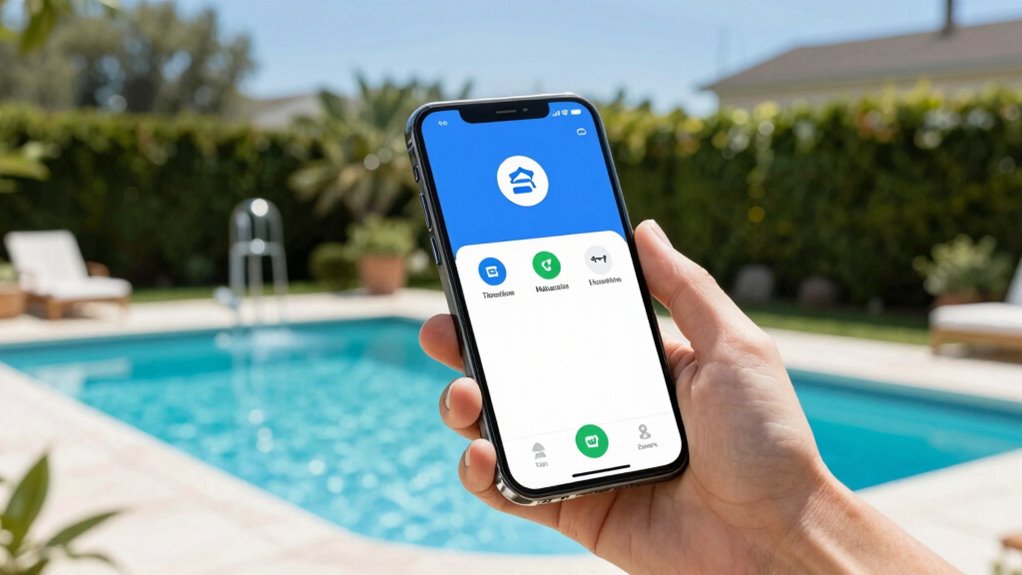
When your pool sends an alert, it’s important to stay calm and act quickly. First, identify the issue by checking your monitoring system’s details. Is it a water chemistry imbalance, low water level, or equipment malfunction? Use the following table to visualize common issues:
| Issue | Action |
|---|---|
| Water chemistry alert | Test and adjust pH, chlorine, or alkalinity levels. |
| Water level alert | Add water or check for leaks. |
| Equipment alert | Inspect and reset your pool equipment. |
For water chemistry issues, focus on proper pool maintenance by regularly testing chemicals. Address alerts promptly to keep your water safe, clear, and balanced.
How Often Should You Review and Adjust Your Pool Monitoring Settings?
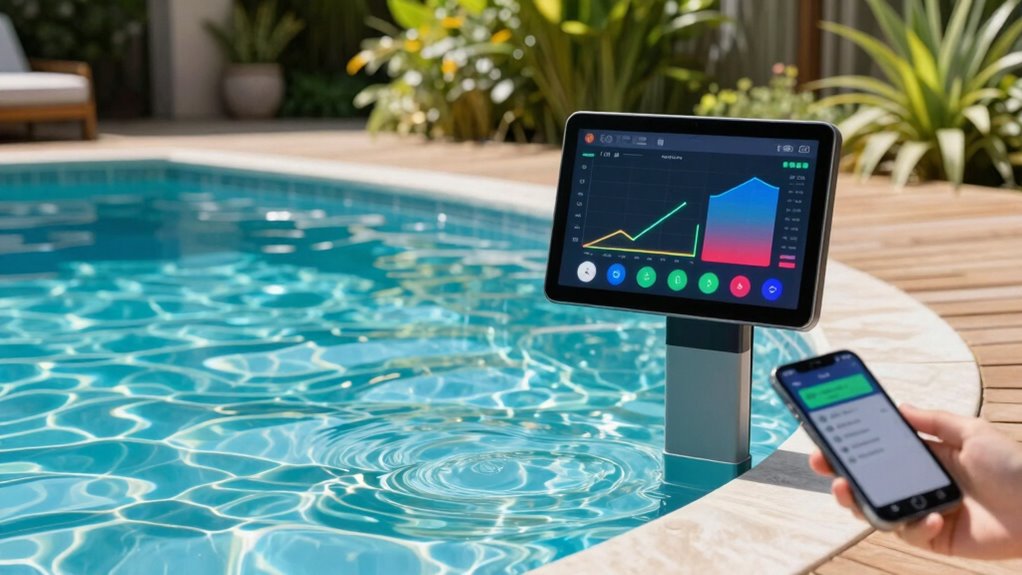
How often should you review and adjust your pool monitoring settings? Regular checks ensure your system provides accurate data and maintains ideal water quality. You should evaluate your settings whenever there’s a significant change in pool usage or weather, such as after heavy rain or during heatwaves. Periodically, monthly reviews are ideal to catch fluctuations in pool chemical levels or water temperature. Adjustments might include recalibrating sensors or updating alert thresholds. Keep an eye on:
- Pool chemical levels, ensuring proper sanitization
- Water temperature consistency for comfort and safety
- Sensor accuracy to prevent false alarms or missed issues
Frequent reviews help you catch issues early, maintain safe water conditions, and extend your equipment’s lifespan. Staying proactive ensures your pool remains clean, balanced, and enjoyable.
Frequently Asked Questions
Can Pool Alerts Be Integrated With Home Automation Systems?
Yes, pool alerts can be integrated with your home automation system. You can customize alerts for issues like water imbalance or equipment failure, ensuring you stay informed. Proper pool sensor calibration is essential for accurate readings, which makes your alerts reliable. With alert customization, you can prioritize notifications and reduce spam, enabling seamless integration that keeps your pool safe and your system efficient without overwhelming you with unnecessary alerts.
What Privacy Concerns Are Associated With Remote Pool Monitoring?
You should be aware that remote pool monitoring raises privacy concerns like data privacy and unauthorized access. If your system isn’t properly secured, hackers could gain access to sensitive information or even control your pool equipment. To protect yourself, make sure your devices have strong passwords, regular software updates, and encryption. Staying vigilant helps prevent privacy breaches and keeps your pool data safe from unauthorized access.
Are There Subscription Fees for Advanced Pool Alert Services?
You might expect subscription fees for advanced pool alert services, but it depends on the provider. Some platforms include premium features in their initial price, while others charge extra for subscription costs. Think of it as choosing between a basic pool setup and adding premium features like real-time alerts, which often come with subscription fees. Always check the service details so you know what’s included and what costs may arise for enhanced alerts.
How Secure Are Wireless Signals for Remote Pool Monitoring?
Wireless signals for remote pool monitoring are generally secure thanks to wireless encryption, which protects your data from unauthorized access. However, you should be aware that signal interference from other electronic devices or thick walls can sometimes disrupt communication. To keep your system safe and reliable, confirm your devices use strong encryption protocols and place sensors where interference is minimal. This way, you maintain both security and consistent monitoring.
Can Multiple Users Receive and Manage Pool Alerts Simultaneously?
Ever wondered if multiple users can manage pool alerts at the same time? Yes, they can, thanks to user permissions and alert customization features. You can assign different access levels, allowing friends or family to monitor or adjust alerts without compromising security. This way, everyone stays informed and in control. Isn’t it great to have flexible, shared management that keeps your pool safe without overwhelming you with spam?
Conclusion
By fine-tuning your pool alerts, you become the captain steering through calm waters, avoiding storms of unnecessary notifications. With the right setup, you’ll enjoy a smooth sailing experience, catching only the signals that truly matter. Think of your system as a trusted lighthouse, guiding you safely without blaring warnings. Stay vigilant, adjust your settings as needed, and let your pool stay sparkling while you relax—knowing you’re in control of the flow.